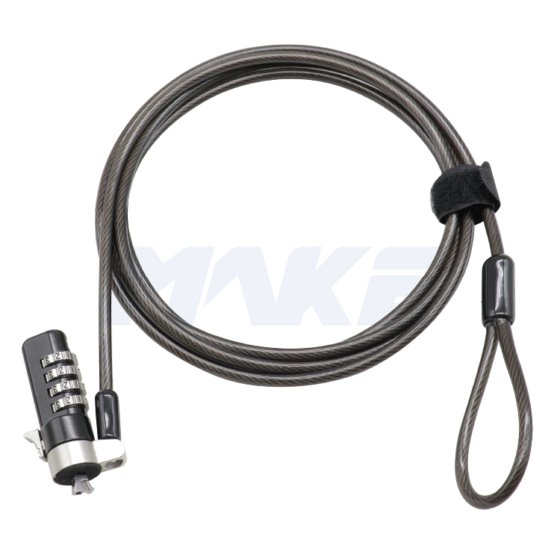
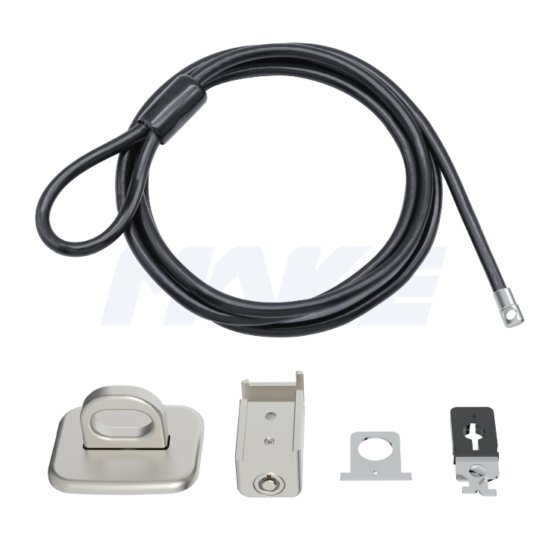
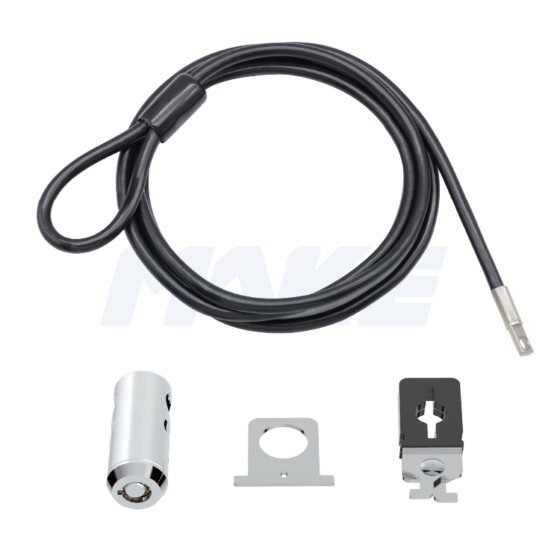
The MK815 is a secure and convenient combination laptop lock featuring a one-touch toggle switch for easy unlocking. It has a durable black nickel-plated finish, combining style and strength.
With a resettable code function, users can easily set and change their own password, ensuring flexible and reliable protection. Perfect for use in offices, școli, and public spaces.
Specialitate
- 4-lacăt cu combinație de cifre, made of zinc alloy with a black nickel finish
- Lever made of steel
Întrebare: What is a combination lock for laptops?
A combination laptop lock secures your device using a customizable 4-digit code instead of a key. We offer different models of combination locks designed specifically for either 3×7mm or 3×5mm security slots, ensuring compatibility with a wide range of laptops and devices.
Întrebare: What is the default code and how can I reset it?
Răspuns: Most laptop 4 digit combination security cables are preset to "0000".
To reset:
Unlock using the current code.
Press and hold the reset button.
Set your new 4-digit code.
Release the reset button to save.
Întrebare: How do I install a combination lock?
To install:
Wrap the cable around a secure, stationary object.
Insert the lock head into the device's security slot.
Press the release button and slide the locking mechanism into place.
Întrebare: What if I forget the code?
Răspuns: Din motive de securitate, codurile uitate pentru lacătele cu combinație de calculator, de obicei, nu pot fi recuperate. Vă rugăm să contactați echipa noastră de suport pentru soluțiile disponibile.
 Compania MAKE Lock