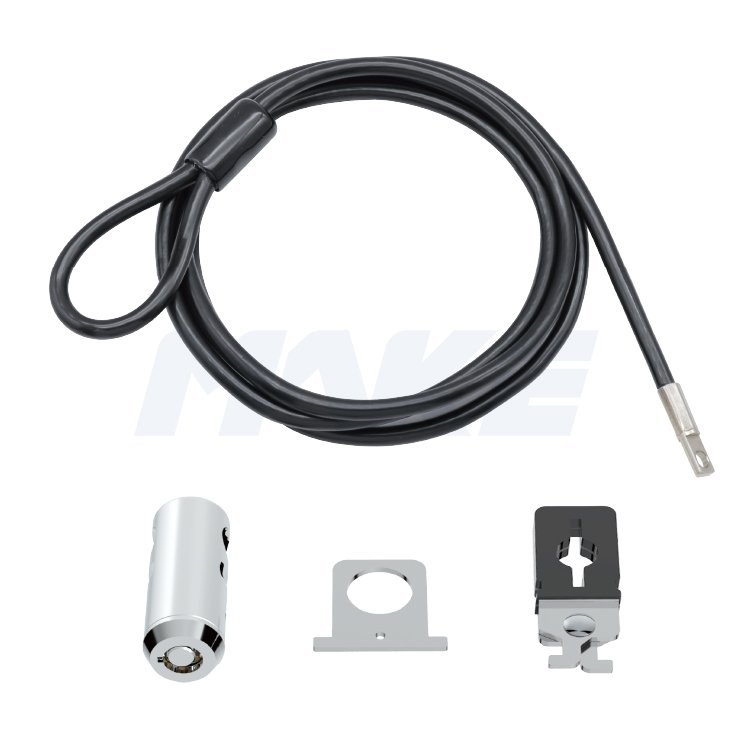
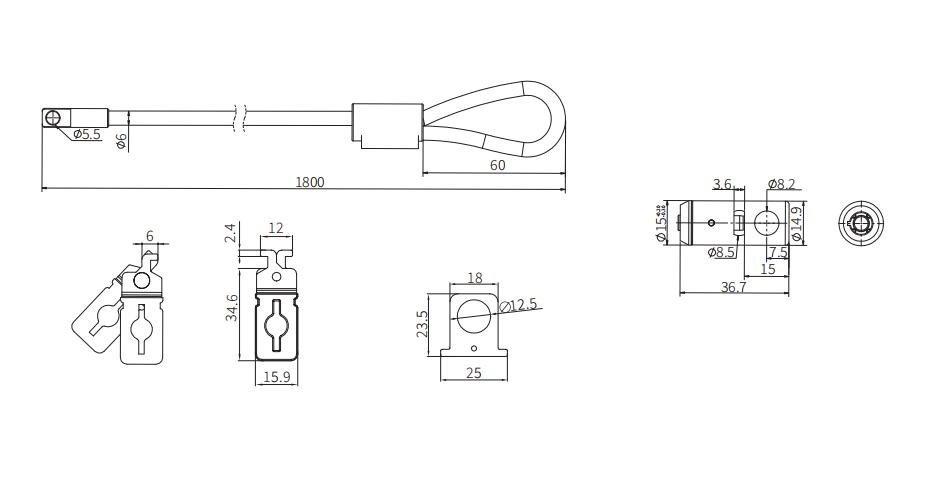
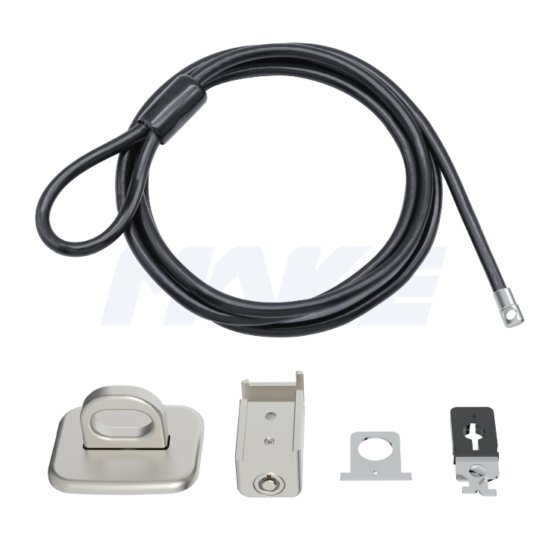
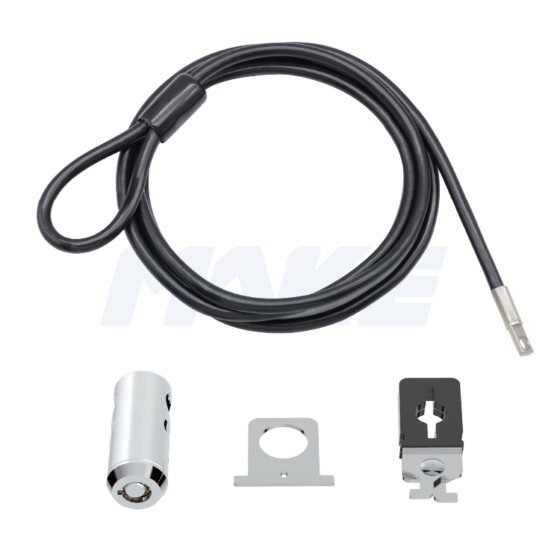
The MK811 offers a reliable multi-point locking solution in a compact, cylindrical design. It is compatible with laptops, calculatoare de birou, and other devices—with or without a Kensington security slot.
Built with a durable zinc alloy lock head and featuring a one-press locking mechanism, the MK811 ensures quick, secure, and convenient operation. Its streamlined design makes it ideal for offices, labs, and libraries where flexible, key-managed security is essential.
Specialitate
- 7*19 steel cable
- High quality push-in lock
- Bright chrome-plated lock body
- Several accessories for your option
- Suitable for office, școli, library
Întrebare: What are desktop locks used for?
Răspuns: Desktop locks secure devices such as PCs, monitoare, proiectoare, and peripherals that lack a standard T-bar security slot. Folosind o ancoră—fie înșurubată, fie lipită—utilizatorii pot atașa o încuietoare de cablu de calculator pentru a crea o soluție fiabilă antifurtiv.
Întrebare: Pot folosi aceste încuietori într-o implementare de afaceri??
Răspuns: Absolut. Oferim încuietori de cabluri de securitate pentru calculatoare desktop cu kituri multi-dispozitiv și acces cu cheie principală, le fac ideale pentru echipele IT care gestionează echipamentele de birou.
Întrebare:Cum să instalezi o încuietoare de computer desktop
- Încuieți încuietoarea cablului computerului desktop în jurul unui obiect fix, cum ar fi o placă de ancorare sau un picior de birou.
- Atașează clema de la PC sau monitor.
- Treci cablul prin clemă și strânge-l bine.
- Folosește clema în U pentru a organiza cablurile de alimentare, keyboard, și cablurile de mouse.
- Blochează toate piesele cu cilindrul pentru a finaliza instalarea.
Întrebare: Se poate securiza mai multe dispozitive?
Răspuns: Da, unele kituri de securitate pentru PC desktop includ cleme suplimentare sau bucle de cablu pentru a fixa atât PC-urile, cât și perifericele acestora (Monitor, imprimantă, etc.) cu un singur sistem de încuietori.
Întrebare: Ce materiale și caracteristici de durabilitate sunt folosite?
Răspuns: Fiecare încuietoare pentru desktop este construită din aliaj de zinc de înaltă rezistență și cabluri de oțel anti-manipulare, asigurând protecție pe termen lung în medii cu utilizare intensă.
 Compania MAKE Lock