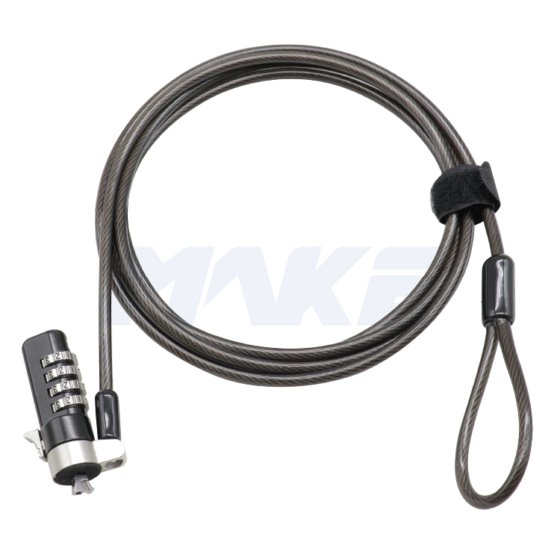
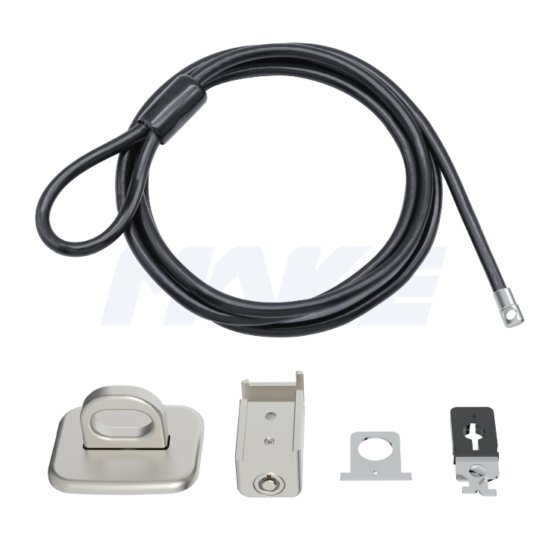
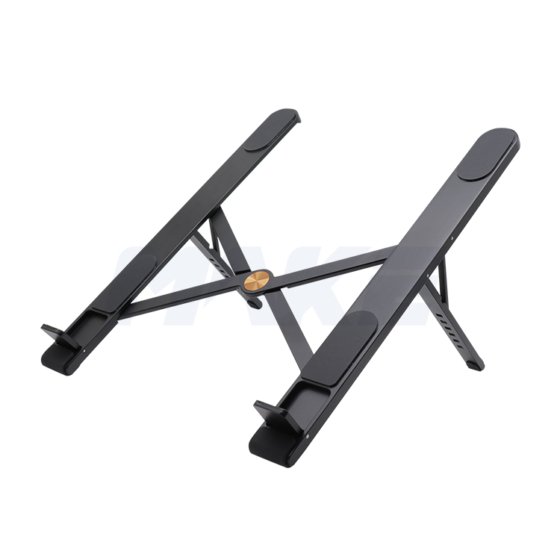
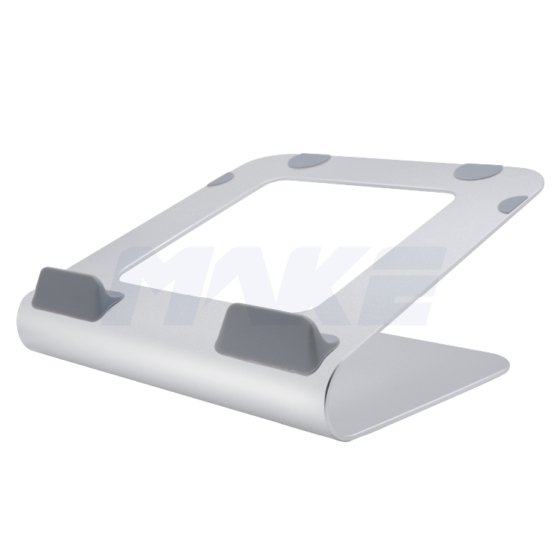
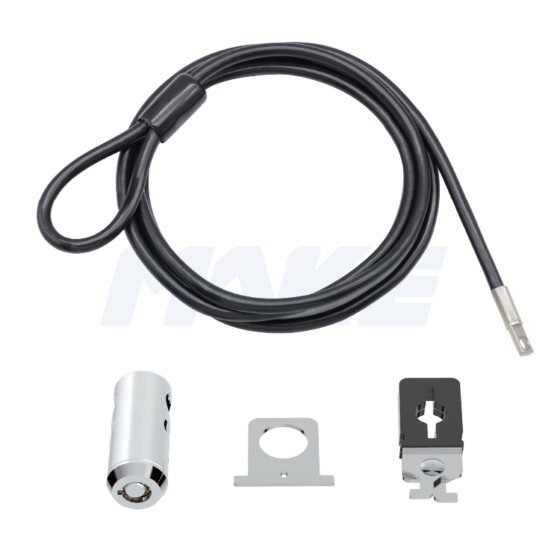
MK815 เป็นกุญแจล็อกแล็ปท็อปแบบรหัสที่มั่นคงและสะดวก พร้อมสวิตช์สวิตช์แตะครั้งเดียวเพื่อปลดล็อกง่าย. มีผิวเคลือบนิกเกิลสีดําที่ทนทาน, ผสมผสานสไตล์และความแข็งแรง.
ด้วยฟังก์ชันรหัสรีเซ็ตได้, ผู้ใช้สามารถตั้งและเปลี่ยนรหัสผ่านได้อย่างง่ายดาย, ปกป้องได้อย่างยืดหยุ่นและเชื่อถือได้. เหมาะสําหรับใช้ในสํานักงาน, โรงเรียน, และสถานที่สาธารณะ.
ความพิเศษ
- 4-กุญแจรหัสตัวเลข, ทําจากโลหะผสมสังกะสีเคลือบนิกเกิลสีดํา
- คันโยกทําจากเหล็ก
Q: กุญแจรหัสสำหรับแล็ปท็อปคืออะไร?
กุญแจล็อกแล็ปท็อปแบบรหัสรหัสที่ปรับแต่งได้ด้วยรหัส 4 หลักแทนกุญแจ. เรามีรุ่นล็อกรหัสที่ออกแบบมาเฉพาะสําหรับช่องล็อก 3×7 มม. หรือ 3×5 มม., รองรับการใช้งานกับแล็ปท็อปและอุปกรณ์หลากหลาย.
Q: รหัสเริ่มต้นคืออะไรและจะรีเซ็ตได้อย่างไร?
A: แล็ปท็อปส่วนใหญ่ 4 digit combination security cables are preset to "0000".
To reset:
Unlock using the current code.
Press and hold the reset button.
Set your new 4-digit code.
Release the reset button to save.
Q: How do I install a combination lock?
To install:
Wrap the cable around a secure, stationary object.
Insert the lock head into the device's security slot.
Press the release button and slide the locking mechanism into place.
Q: What if I forget the code?
A: ด้วยเหตุผลด้านความปลอดภัย, รหัสที่ลืมบนล็อกผสมคอมพิวเตอร์มักไม่สามารถกู้คืนได้ โปรดติดต่อทีมสนับสนุนของเราเพื่อหาวิธีแก้ไขที่มีอยู่.
 บริษัท MAKE Lock