 Компания MAKE Lock

The laptop was left in the school dormitory, and student A found it stolen after class.
When taking the high-speed train, Ms. Xiaoliang left his seat and went to the bathroom, but his laptop disappeared.
Mr. Xiao Wan, who had just started working, found that his laptop was lost on the workstation when he went to work the next day.
How to keep a laptop safe from being lost when it is stolen?

It is unrealistic to constantly monitor and purchase property insurance, so it is necessary to choose a high security anti-theft lock.
Generally, laptops are equipped with security lock holes located on both sides of the laptop’s opening and closing accessories.
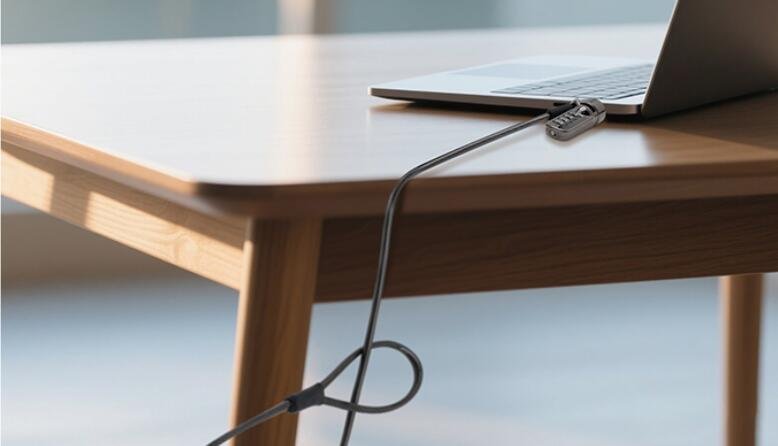
The user fixes the other end of the lock on a table or other fixed object, and inserts the замок для ноутбука into the lock hole to lock it.
Таким образом, ноутбуки нельзя легко перемещать или уносить, что предотвращает их кражу в любом месте.
Как использовать замок для ноутбука? Ниже, MK815 предоставит вам подробное руководство.
Сначала, определите, соответствует ли слот вашего компьютера ключу замка.
Слот замка MK815 совместим с ноутбуками со слотами 3*7 мм.
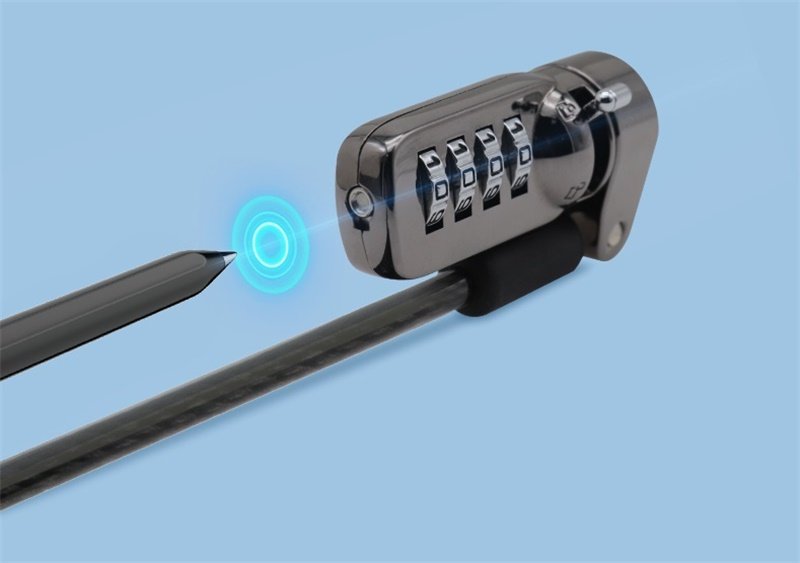
Во-вторых, сбросьте пароль.
Снимая замок, поверните диски на текущую комбинацию (код по умолчанию 0-0-0-0). Используйте остроконечный инструмент, чтобы нажать кнопку под дисками. Удерживайте кнопку нажатой, устанавливая новую комбинацию. После отпускания кнопки, ваш новый код установлен. Сдвиньте ручку замка для разблокировки и убедитесь, что новая комбинация работает.
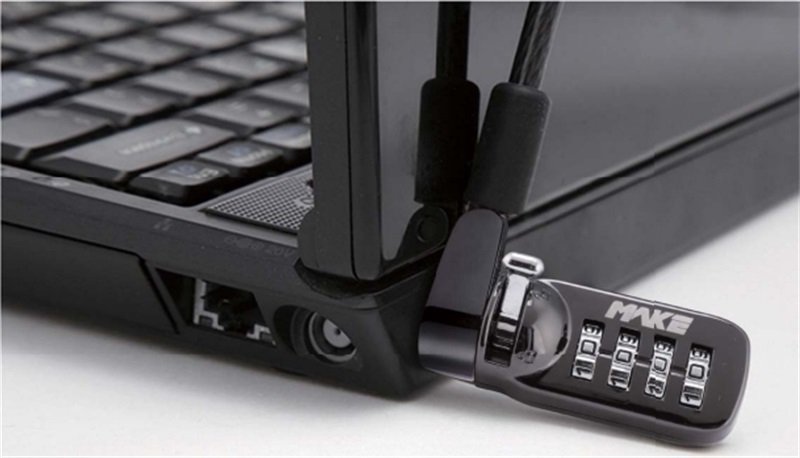
Наконец, заблокируйте ноутбук.
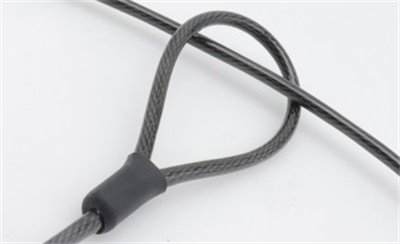
Обмотайте кабель вокруг крепления и проденьте его через рукав с восемью символами. Толкните ручку замка в открытое положение, then secure it in the safety lock hole of the laptop, and finally push the lock knob to the locked position.
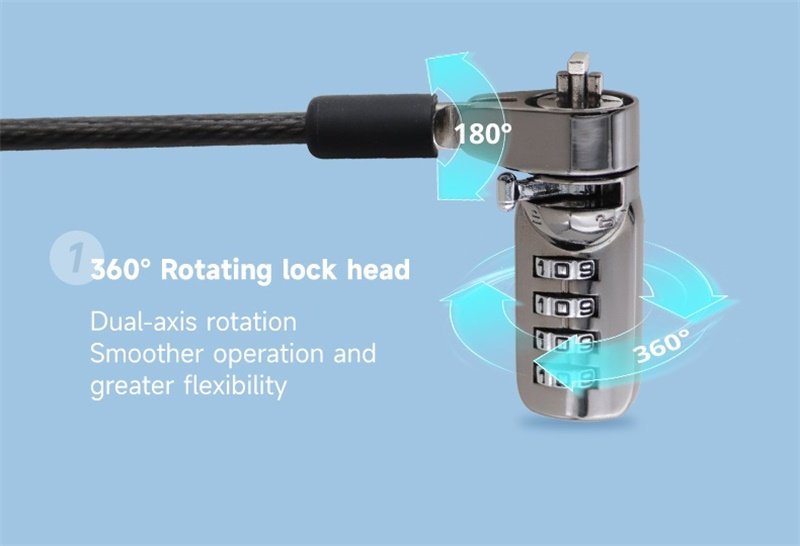
The lock head and cable head can rotate freely 360° and 180° respectively, allowing users to lock the lock flexibly.
It is worth reminding that after locking, remember to scramble the password to ensure that the lock knob cannot be pushed.
В итоге, the MK815 laptop lock is easy to use and is an ideal security device for laptop users.