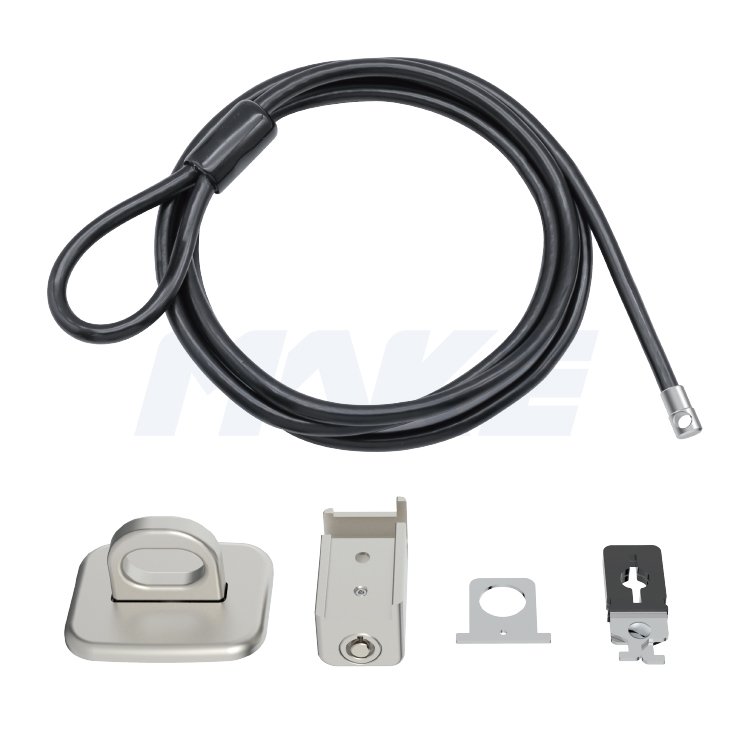
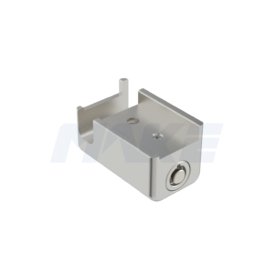
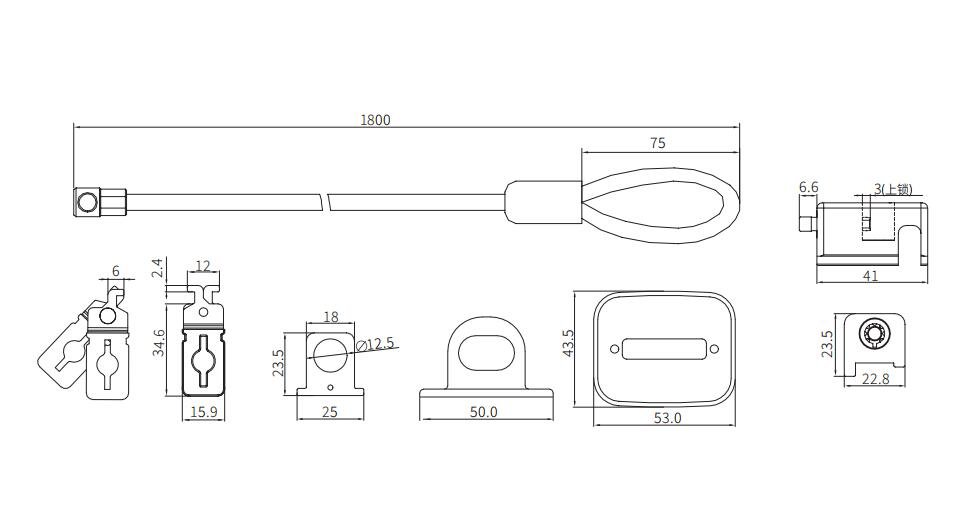
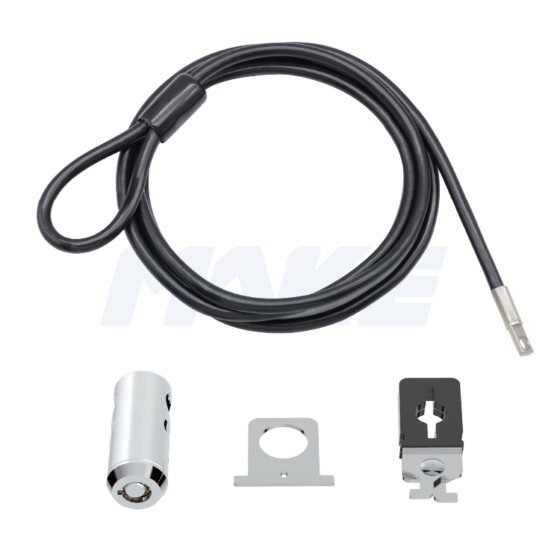
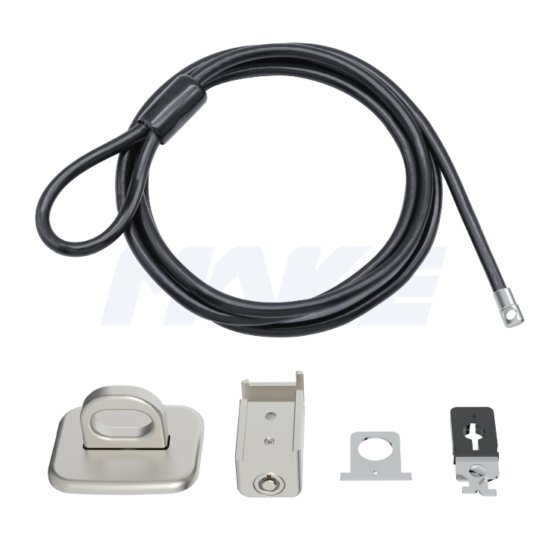
The MK800 is a multi-point locking kit compatible with laptops, desktops, and other devices—with or without a Kensington security slot. It includes a security slot clip and anchor plate to secure your monitor, 키보드, mouse, and more. Featuring a durable zinc alloy lock head and a one-press locking mechanism, the MK800 offers quick, hassle-free protection. The master key option makes it ideal for offices, labs, and libraries.
특징
- 7 pin tubular key lock with zinc alloy rotating lock head
- Master key system, easy for management
- Bright nickel-plated lock body
Q: What are desktop locks used for?
A: Desktop locks secure devices such as PCs, monitors, projectors, and peripherals that lack a standard T-bar security slot. Using an anchor—either screwed in or adhered—users can attach a computer cable lock to create a reliable anti-theft solution.
Q: Can I use these locks in a business deployment?
A: Absolutely. We provide desktop computer security cable locks with multi-device kits and master-key access, making them ideal for IT teams managing office equipment.
Q:How to Install a Desktop Computer Lock
- Loop thecable lock for desktop computer around a fixed object like an anchor plate or desk leg.
- Attach the desktop computer lockclip to your PC or monitor.
- 케이블을 클립을 통해 고정하고 단단히 조이세요.
- 전원 코드를 정리할 때 U-클립을 사용하세요, 키보드, 마우스 케이블.
- 설치를 완료하려면 실린더로 모든 부품을 잠가세요.
Q: 한 번에 여러 장치를 잠글 수 있나요??
A: 네, 일부 데스크톱 PC 보안 잠금 키트에는 PC와 주변기기를 모두 고정할 수 있는 추가 클립이나 케이블 루프가 포함되어 있습니다 (모니터, 프린터, 등) 단일 잠금 시스템으로.
Q: 사용된 재료와 내구성 특징?
A: 각 데스크탑 컴퓨터 잠금장치는 고강도 아연 합금과 변조 방지 강철 케이블로 제작, 고사용 환경에서 장기 보호 보장.
 MAKE Lock Company