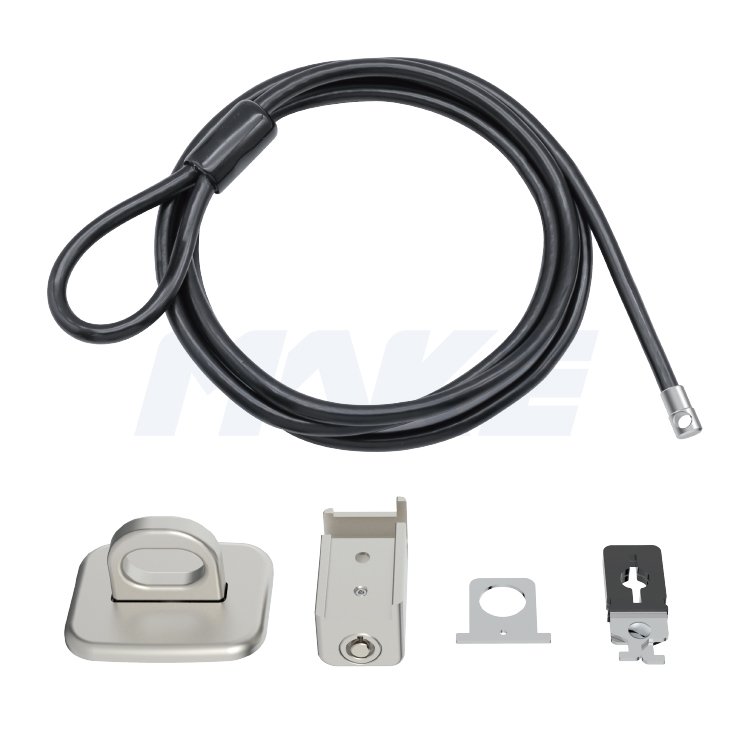
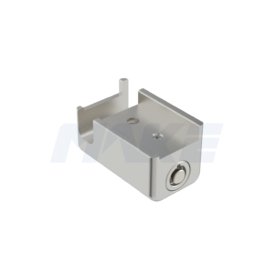
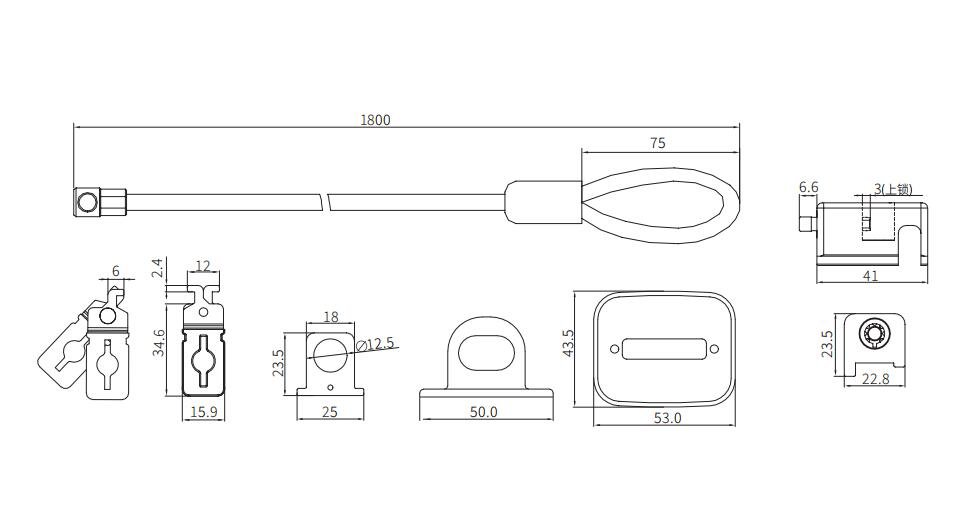
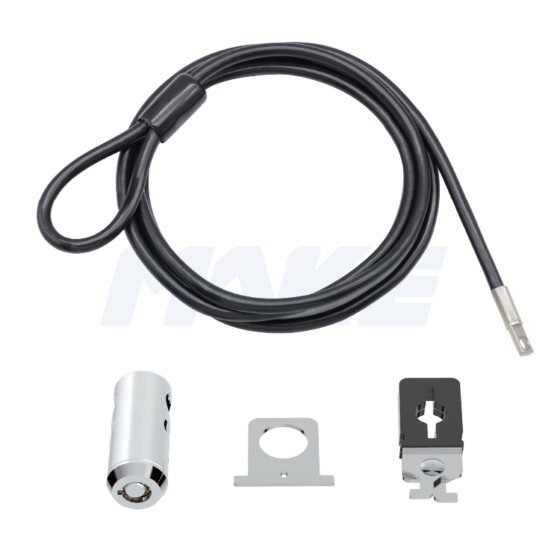
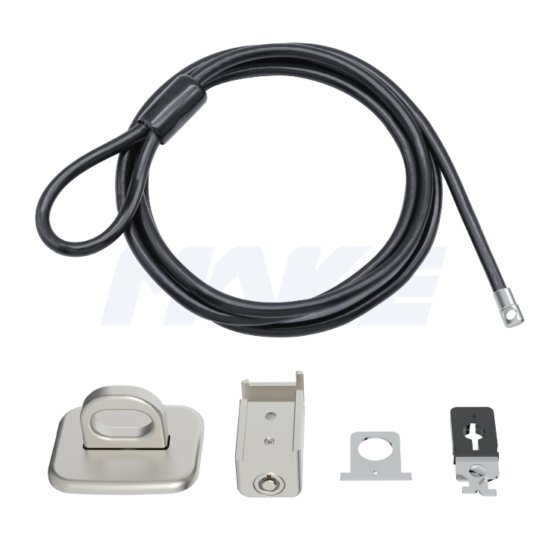
The MK800 is a multi-point locking kit compatible with laptops, des ordinateurs de bureau, and other devices—with or without a Kensington security slot. It includes a security slot clip and anchor plate to secure your monitor, keyboard, souris, and more. Featuring a durable zinc alloy lock head and a one-press locking mechanism, the MK800 offers quick, hassle-free protection. The master key option makes it ideal for offices, labs, and libraries.
Spécialité
- 7 pin tubular key lock with zinc alloy rotating lock head
- Master key system, easy for management
- Corps de verrouillage plaqué nickel brillant
Q: What are desktop locks used for?
A: Desktop locks secure devices such as PCs, des moniteurs, projecteurs, and peripherals that lack a standard T-bar security slot. Using an anchor—either screwed in or adhered—users can attach a computer cable lock to create a reliable anti-theft solution.
Q: Can I use these locks in a business deployment?
A: Absolutely. We provide desktop computer security cable locks with multi-device kits and master-key access, making them ideal for IT teams managing office equipment.
Q:How to Install a Desktop Computer Lock
- Loop thecable lock for desktop computer around a fixed object like an anchor plate or desk leg.
- Attach the desktop computer lockclip to your PC or monitor.
- Feed the cablethrough the clip and tighten it securely.
- Use theU-clip to organize power cords, keyboard, and mouse cables.
- Verrouillez toutes les parties avec le cylindre pour terminer l'installation.
Q: Peut-on sécuriser plusieurs appareils avec un seul verrou??
A: Oui, Certains kits de verrouillage pour PC de bureau incluent des clips supplémentaires ou des boucles de câble pour sécuriser à la fois les PC et leurs périphériques (moniteur, imprimante, etc.) avec un seul système de verrouillage.
Q: Quels matériaux et caractéristiques de durabilité sont utilisés??
A: Chaque verrou pour ordinateur de bureau est fabriqué en alliage de zinc haute résistance et en câbles en acier anti-effraction, assurant une protection à long terme dans des environnements à forte utilisation.
 MAKE Lock Company