 MAKE Lock Company

The laptop was left in the school dormitory, and student A found it stolen after class.
When taking the high-speed train, Ms. Xiaoliang left his seat and went to the bathroom, but his laptop disappeared.
Mr. Xiao Wan, who had just started working, found that his laptop was lost on the workstation when he went to work the next day.
How to keep a laptop safe from being lost when it is stolen?

It is unrealistic to constantly monitor and purchase property insurance, so it is necessary to choose a high security anti-theft lock.
Generally, laptops are equipped with security lock holes located on both sides of the laptop’s opening and closing accessories.
The user fixes the other end of the lock on a table or other fixed object, and inserts the laptop lock into the lock hole to lock it.
노트북은 쉽게 이동하거나 가져갈 수 없으므로, 어떤 장소에서도 도난당하는 것을 방지할 수 있습니다.
사용 방법 laptop lock? 아래, MK815가 자세한 사용법을 안내해 드립니다.
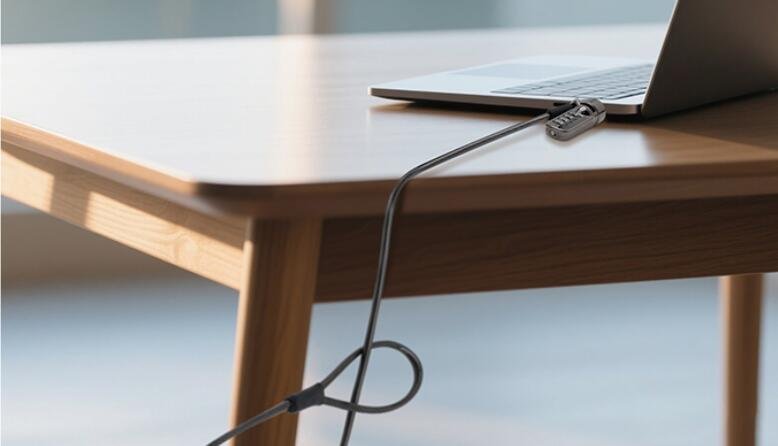
첫째, 컴퓨터 슬롯이 잠금 장치의 열쇠구멍과 일치하는지 확인하세요.
MK815의 잠금 슬롯은 3*7mm 슬롯이 있는 노트북과 호환됩니다.
둘째로, 비밀번호 재설정.
잠금이 해제된 상태에서, 다이얼을 현재 조합으로 맞춥니다 (기본 코드는 0-0-0-0). 다이얼 아래의 버튼을 눌러 사용하세요. 버튼을 누른 상태에서 새 코드 조합을 설정합니다. 버튼을 놓으면, 새 코드가 설정됩니다. 잠금 손잡이를 밀어 잠금 해제하고 새 조합이 작동하는지 확인하세요.
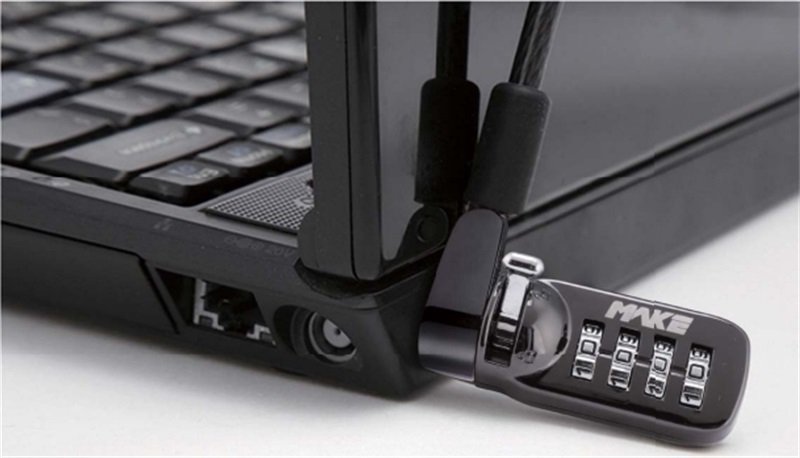
마지막으로, 노트북을 잠급니다.
케이블을 고정 장치 주위에 감고 8글자 소매를 통과시킵니다. 잠금 손잡이를 열림 위치로 밀어주세요, then secure it in the safety lock hole of the laptop, and finally push the lock knob to the locked position.
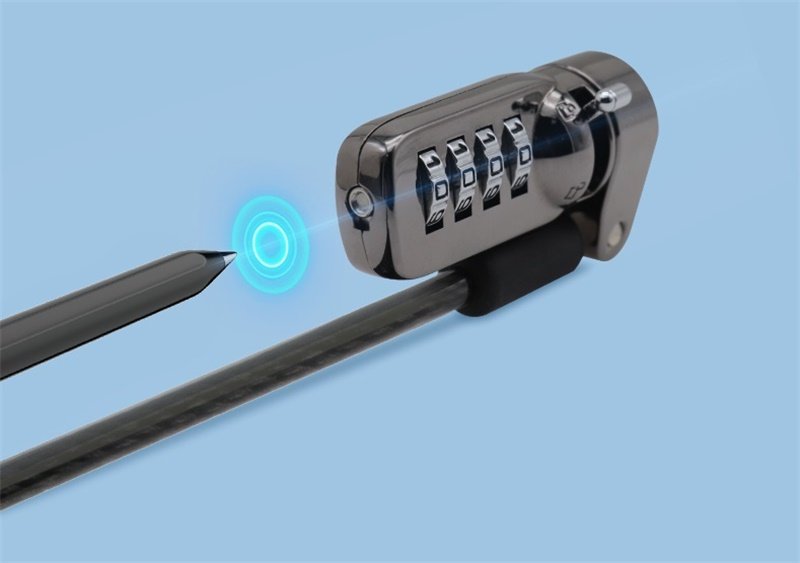
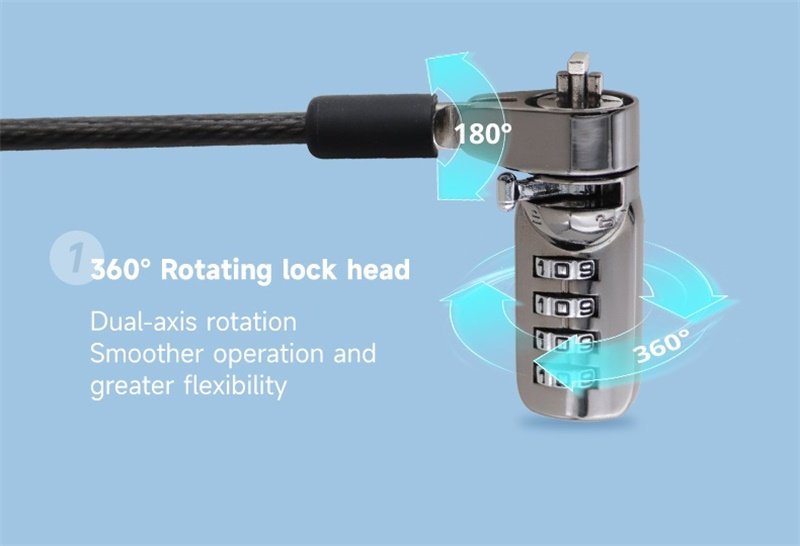
The lock head and cable head can rotate freely 360° and 180° respectively, allowing users to lock the lock flexibly.
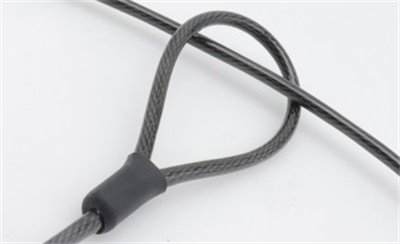
It is worth reminding that after locking, remember to scramble the password to ensure that the lock knob cannot be pushed.
요약하자면, the MK815 laptop lock is easy to use and is an ideal security device for laptop users.