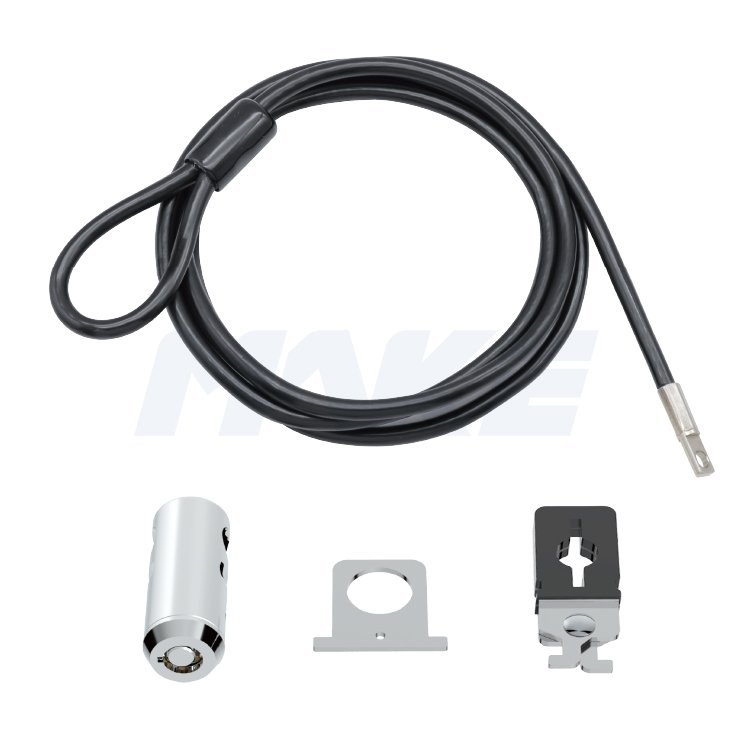
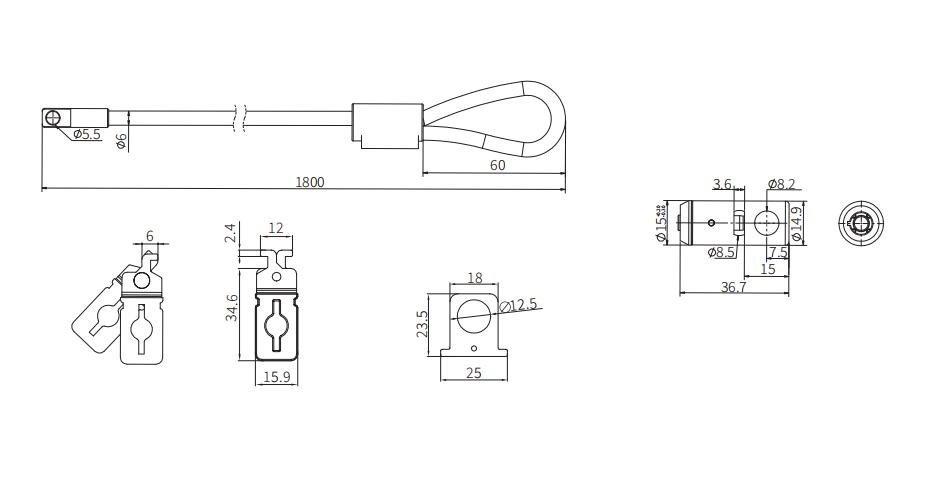
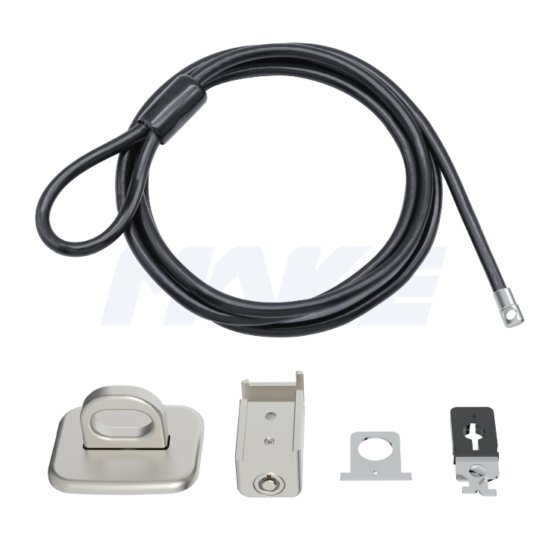
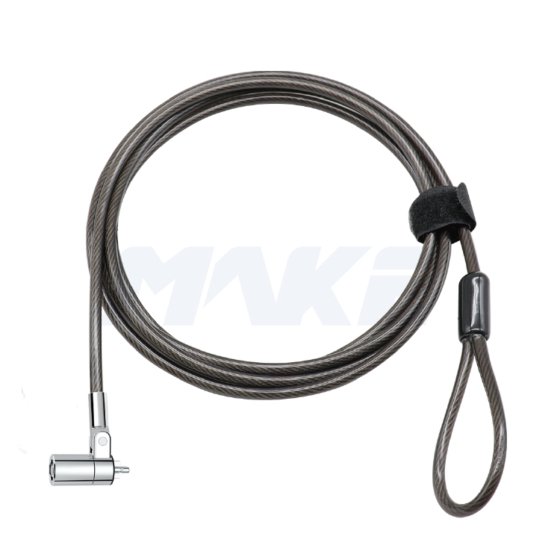
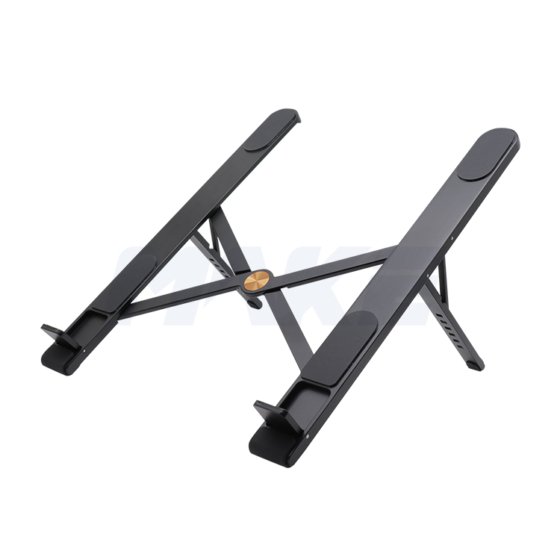
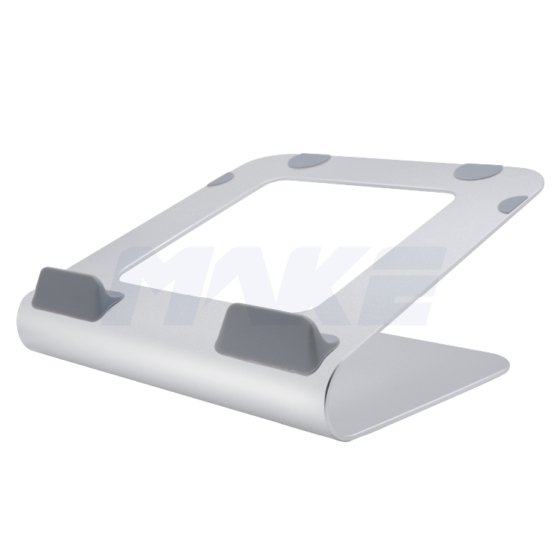
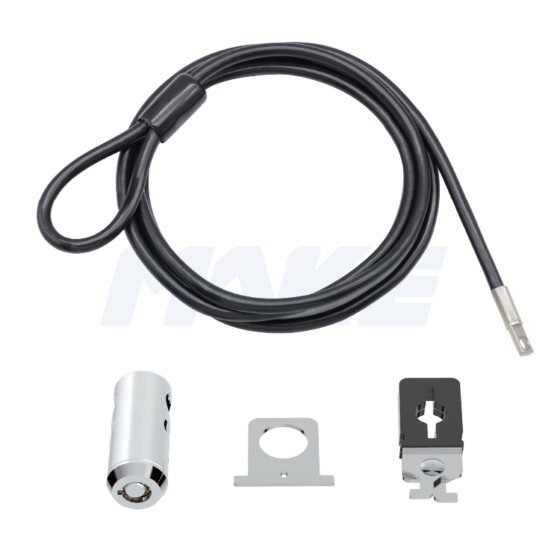
The MK811 offers a reliable multi-point locking solution in a compact, cylindrical design. It is compatible with laptops, desktops, and other devices—with or without a Kensington security slot.
Built with a durable zinc alloy lock head and featuring a one-press locking mechanism, the MK811 ensures quick, secure, and convenient operation. Its streamlined design makes it ideal for offices, labs, and libraries where flexible, key-managed security is essential.
Specialità
- 7*19 steel cable
- High quality push-in lock
- Bright chrome-plated lock body
- Several accessories for your option
- Suitable for office, school, biblioteca
D: What are desktop locks used for?
R: Desktop locks secure devices such as PCs, monitors, projectors, and peripherals that lack a standard T-bar security slot. Using an anchor—either screwed in or adhered—users can attach a computer cable lock to create a reliable anti-theft solution.
D: Can I use these locks in a business deployment?
R: Absolutely. We provide desktop computer security cable locks with multi-device kits and master-key access, making them ideal for IT teams managing office equipment.
D:How to Install a Desktop Computer Lock
- Fai passare il lucchetto a cavo per computer desktop attorno a un oggetto fisso come una piastra di ancoraggio o una gamba della scrivania.
- Collega il lucchetto per computer desktop al tuo PC o monitor.
- Fai passare il cavo attraverso la clip e stringilo saldamente.
- Usa la clip a U per organizzare i cavi di alimentazione, keyboard, e i cavi del mouse.
- Blocca tutte le parti con il cilindro per completare l'installazione.
D: Un lucchetto può mettere in sicurezza più dispositivi??
R: Sì, alcuni kit di lucchetti per PC desktop includono clip extra o anelli per cavi per mettere in sicurezza sia i PC che le loro periferiche (monitor, stampante, ecc.) con un unico sistema di lucchetto.
D: Quali materiali e caratteristiche di durabilità vengono utilizzati??
R: Ogni lucchetto per computer desktop è realizzato in lega di zinco ad alta resistenza e cavi in acciaio antimanomissione, garantendo una protezione a lungo termine in ambienti ad alta utilizzo.
 Azienda MAKE Lock